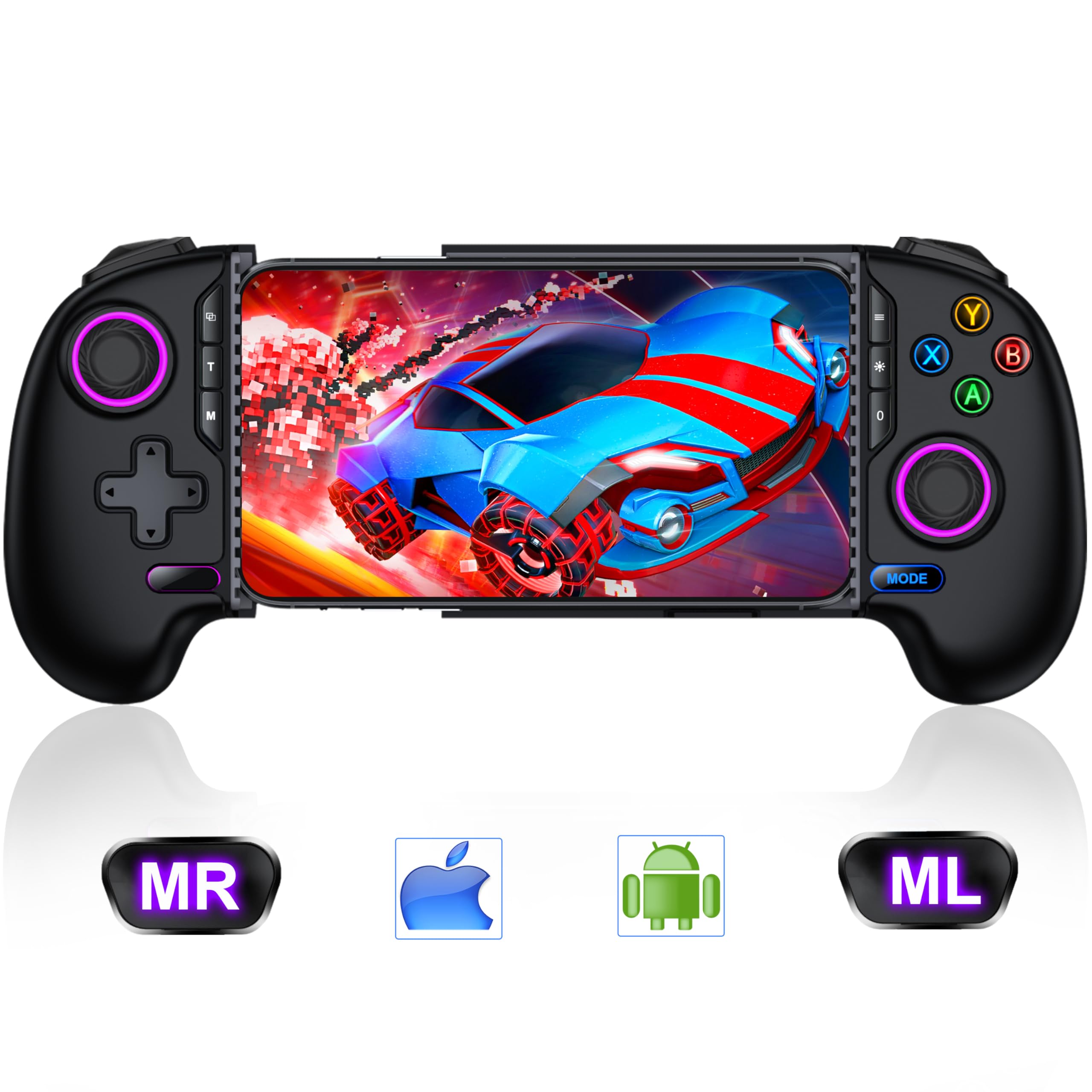
Redmagic Mobile Gaming Controller
CYOYPPY Wireless Game Controller for iPhone/Android - Xbox Game Pass, PlayStation, Steam Link Compatible - Best for Game
Description
Special Features
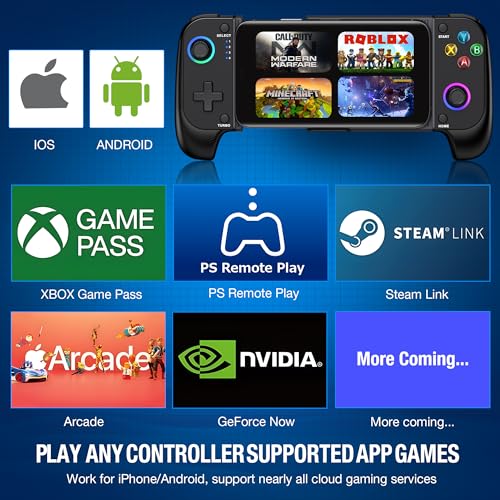
Compatible with iPhone and Android
Our CYOYPPY Bluetooth phone controller is designed to work seamlessly with both iPhone and Android devices. It connects via wireless Bluetooth technology, providing a fast and convenient gaming experience on any supported platform. Compatible with games and platforms like PS Remote Play, Xbox Game Pass, Steam Link, GeForce Now, MFi Apple Arcade, Call of Duty, Roblox, Minecraft, and many more ( Note: It doesn’t work with PUBG).
Sensitive Rocker & Comfortable Grip
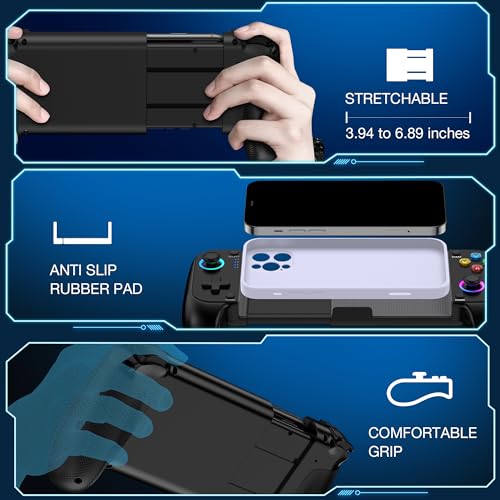
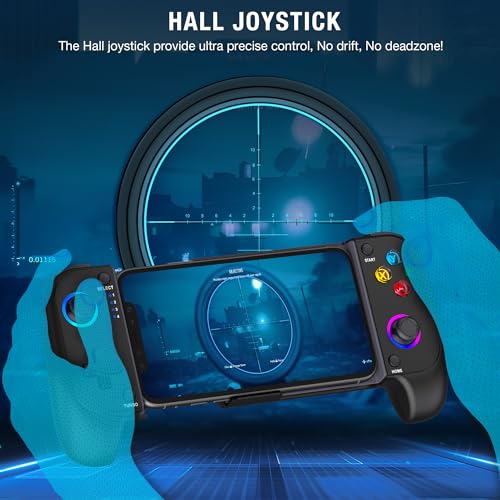
Equipped with the latest Hall effect rocker switch, our controller offers precise, stable, and responsive gaming control with no drift or dead zone. The ergonomic design features a laser-engraved texture grip that is both comfortable and anti-slip, ensuring long-term gaming sessions without fatigue. Delayed by nothing, your every move is met with instant response and a long service life, enhancing immersion and control.
Stretchable Design & Phone Case Support
The CYOYPPY controller is stretchable to accommodate phone sizes from 10cm to 17.5cm. A unique left bottom drop design protects your phone camera from scratches and ensures a smoother placement. The controller is also compatible with ordinary phone cases, thanks to the rubber pads that firmly clamp your device, preventing any slipping during gameplay.
Turbo Speeds & Lights
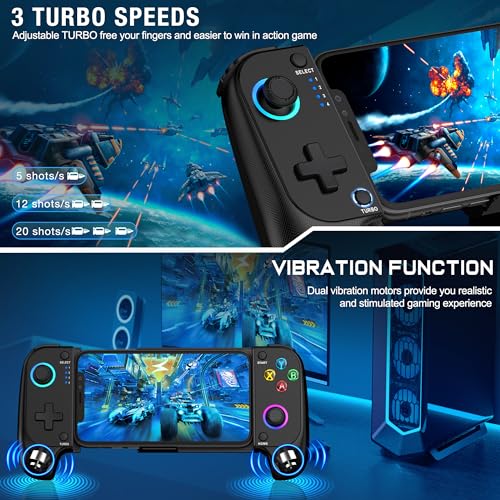
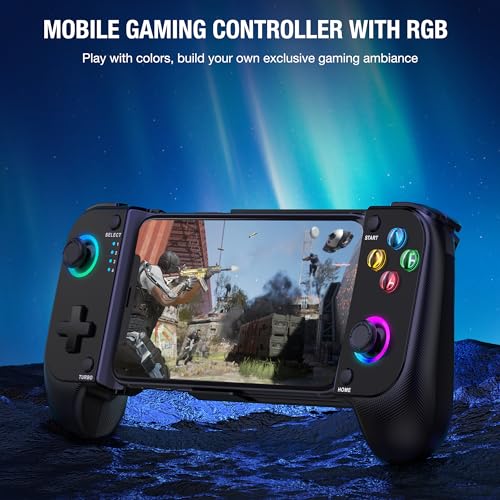
Elevate your gaming experience with our "TURBO" function that offers three adjustable speeds: 5/s, 12/s, and 20/s, enhancing your game interactions. Our iPhone gaming controller also features cool lighting effects, allowing you to customize or turn off the lights according to your preference, adding an extra layer of customization and visual appeal.
First-Time Connection
For easy pairing, follow the steps outlined in the manual or product detail video. Pay close attention to the Bluetooth name and button labels. After the initial connection, simply press the HOME button to reconnect easily in the future.