

Redmagic Mobile Gaming Controller
AXYBCOOL Wireless Phone Controller for iPhone/Android Gamers, Support Xbox Game Pass & PlayStation, Perfect for Minecraf
Description
A Balanced Look At Features
Play Your Favorite Games Anywhere
Easily Enjoy Your Games on the Go
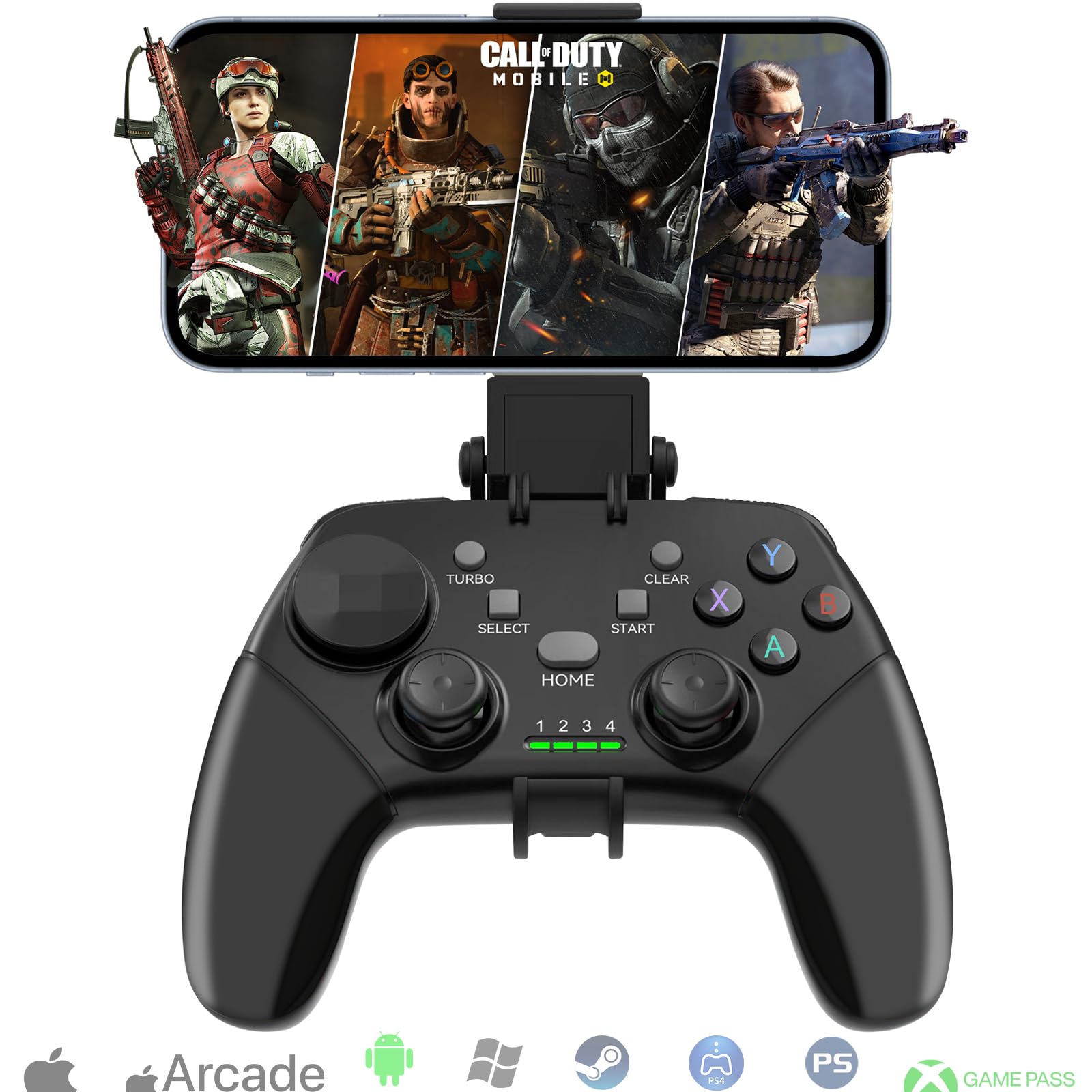
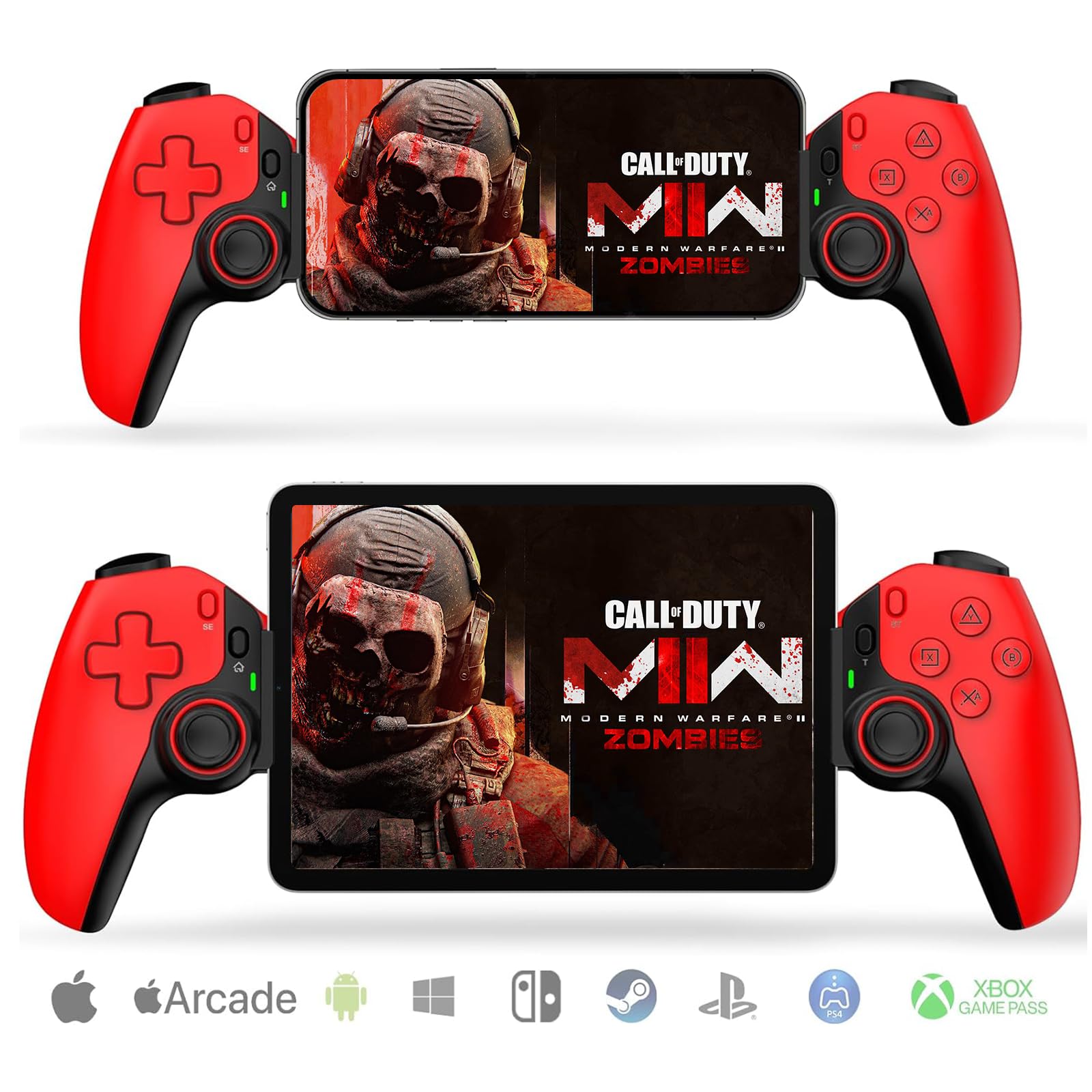
Our wireless mobile controller brings you the joy of gaming from anywhere, supporting popular titles like Call of Duty, Roblox, Fortnite, and Genshin Impact. It also seamlessly integrates with cloud-based gaming services including Xbox Game Pass, PlayStation Remote PLAY, Steam Link, and MFi Apple Arcade, offering a versatile gaming experience.
Easy and Convenient Connection
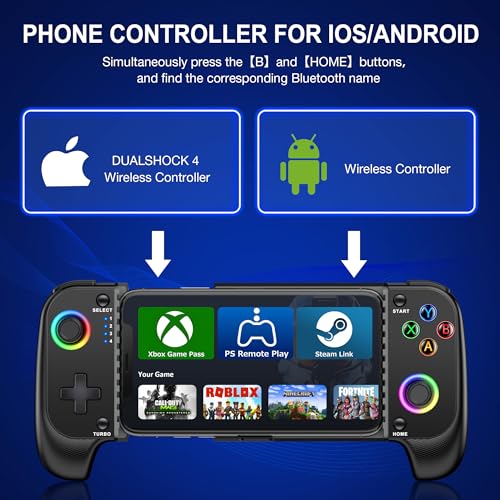
Connect your device with a simple press and hold of the "B+HOME" button. Find your controller's Bluetooth name based on your device: "DUALSHOCK 4 Wireless Controller" for iOS and "Wireless Controller" for Android. Ensure a stable connection by confirming the light 4 signal light is always on, indicating a stable connection.
High-Precision Hall Effect Joystick
Experience high precision, fast response, and zero drift or wear and tear with our Hall effect joystick. Enjoy lighting effects on the joystick and keys, where pressing TURBO+L3 can toggle the lights of ABXY keys while TURBO+R3 cycles through joystick aperture light effects.
Universal Compatibility
Our mobile phone controller extends from 10cm to 17.5cm to fit a wide range of cell phones securely thanks to full rubber pad material. The ergonomic design ensures a comfortable grip, accommodating most phone cases.
Lightning-Fast Attacks & Immersive Feedback
Enjoy lightning-fast attacks with 3 selectable turbo speeds (5/s, 12/s, and 20/s) and dual motor vibration. This enhances your gaming experience and delivers immersive tactile feedback, making every move feel just right.
Connection Guide
Connect your device by pressing the "B+HOME" button. Confirm the 4th light is always on. If reconnection fails, flash codes 1, 2, or 3 indicate incorrect pairing. Turn on your phone's Bluetooth and connect using the corresponding Bluetooth name: "Wireless Controller" for Android and "DUALSHOCK 4 Wireless Controller" for iOS. After successful connection, press the 'HOME' button to reconnect in the future.
Resetting the Controller
In case of any functional issues, reset the controller by pressing the reset button inside the hole at the top right of the back with a tack. Then, delete the stored Bluetooth name from your phone and reconnect using the initial connection method.
Prompt
For further assistance or troubleshooting, please refer to the detailed connection guide and reset instructions provided.