Redmagic Mobile Gaming Controller
Wireless Phone Controller for iPhone/Android with No Deadzone, Support Xbox Game Pass, PlayStation & More for Gamers on
Description
Expanded Product View
Connection Guide
- Ensure the phone controller is not charging before connecting.
- Check if the 4th LED on the controller is flashing quickly (if it flashes 1.2.3, it indicates an error). If not, press and hold the 'HOME' button to turn off the controller, then connect again. On your mobile phone, open Bluetooth and hold down the 'B' button first. Then, continue to hold the 'HOME' button. The 4th light should flash quickly. Afterward, find and connect to the corresponding Bluetooth name.
Tips for iPhone Game Controller
When your wireless iPhone controller faces issues such as inability to connect or charge, or joystick offset, you can try resetting it. Use a needle to poke the 'RESET' hole on the back of the controller. Then restart the controller for iPhone to resolve most non-quality problems.
Tips for Cloud Gaming Controller
To ensure the best gaming experience with your mobile game controller, please play games on a high-speed and stable network. High-speed and low-latency networks are essential for cloud games to minimize latency caused by network congestion, enhancing your gaming experience.
Play Any Controller-Supported App Games
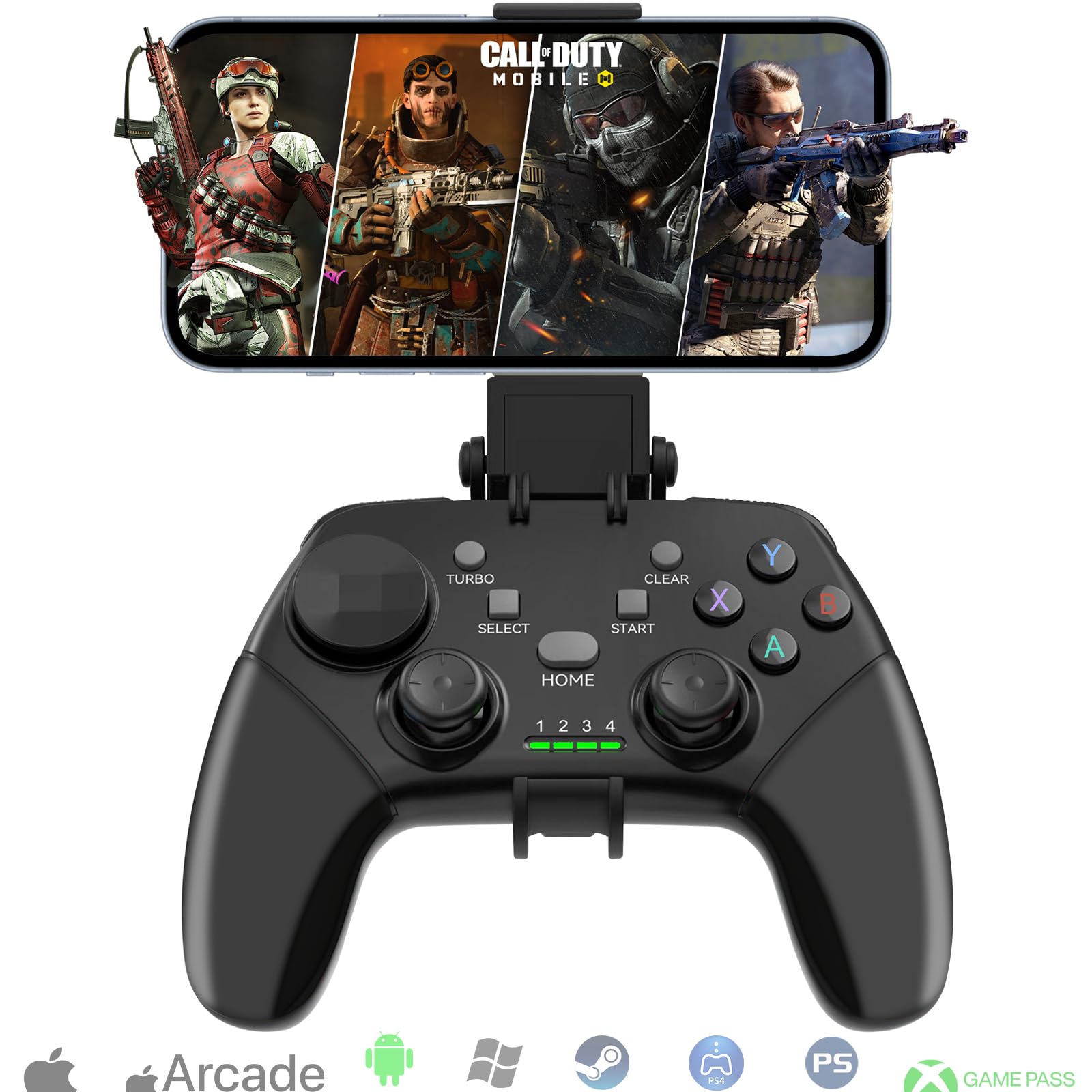
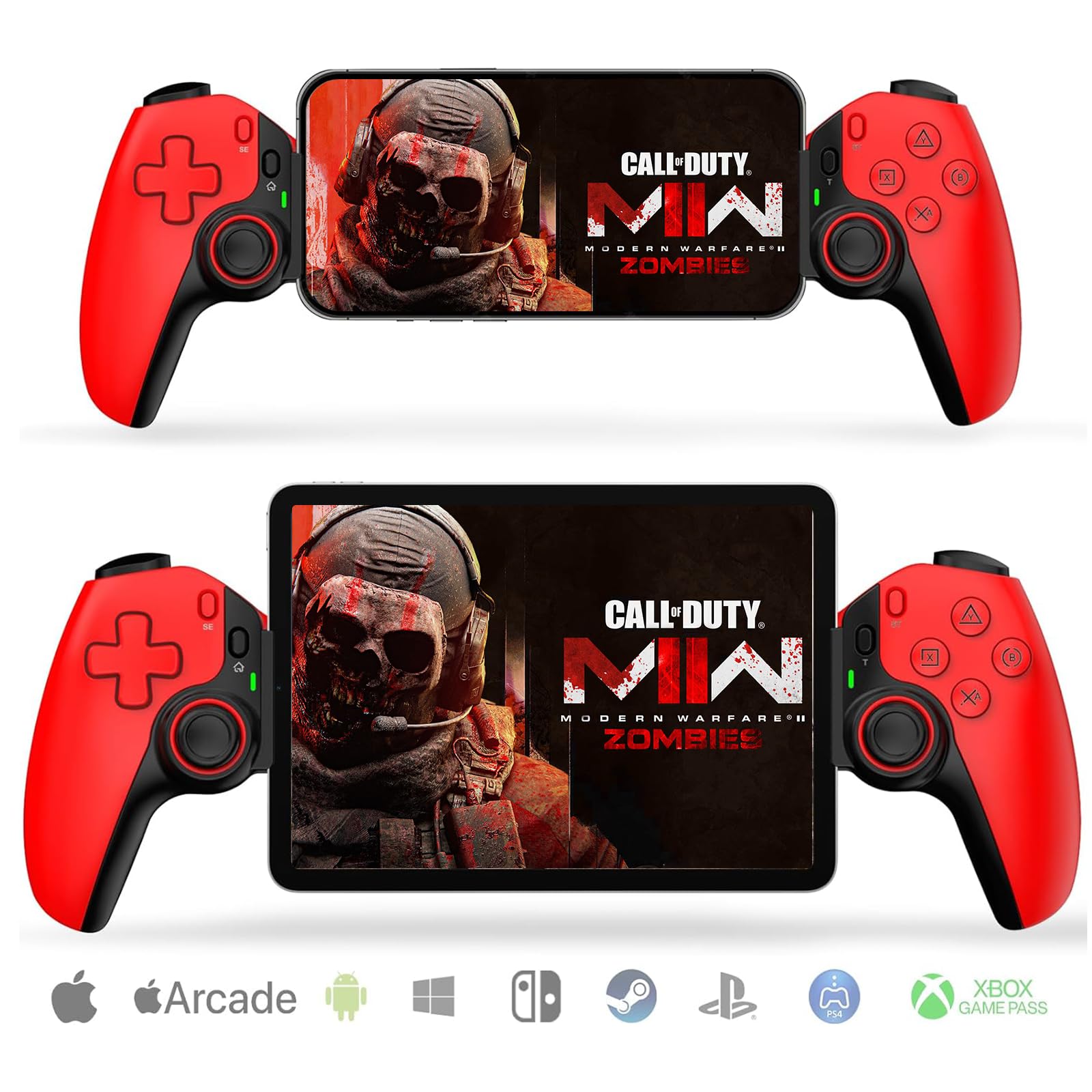
This wireless iPhone game controller is designed for an unstoppable gaming experience, working seamlessly with both iPhone and Android devices. It supports nearly all cloud gaming services, including Xbox Game Pass, PlayStation Remote Play, Steam Link, GeForce NOW, MFi Apple Arcade, and hundreds of popular mobile games such as Call of Duty, Roblox, and Fortnite.
Wireless iPhone Game Controller with LED & No Dead Zone
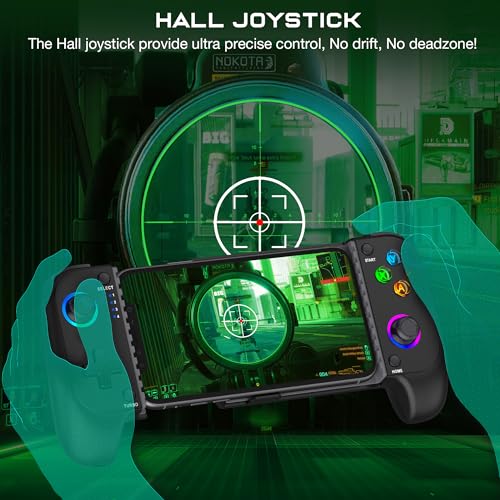
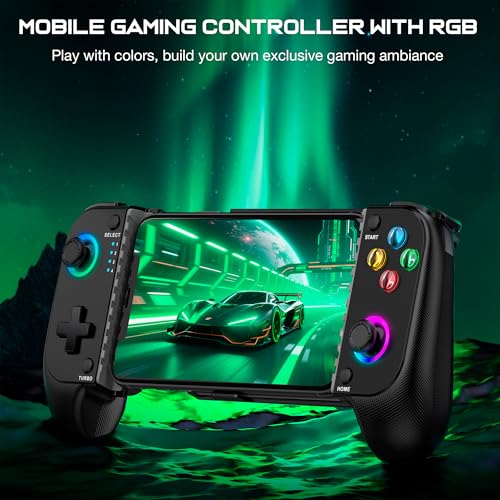
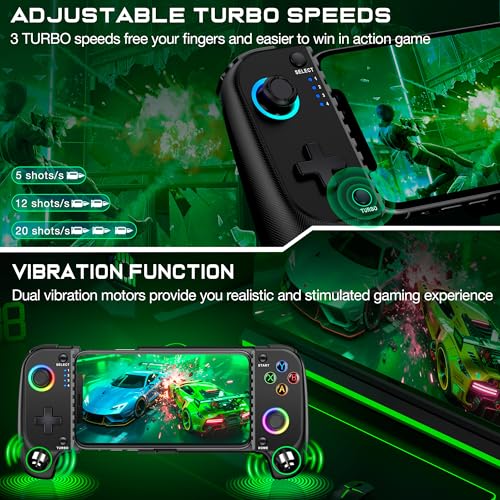
To connect the controller to your iPhone via Bluetooth, just press and hold the 'B+HOME' buttons. This controller features Rainbow and 6 single-color LED modes that you can switch to customize your gaming ambiance. The Hall effect joystick provides ultra-precise control with no drift or dead zone. This enhances your performance and gaming experience, helping you dominate games faster.