

Satechi Keyboard And Mouse
ProtoArc KM100-A Full Size Backlit Bluetooth Keyboard and Mouse for Mac & Multi-Device Rechargeable | ProtoArc KM100-A
Description
The Breakdown That Counts
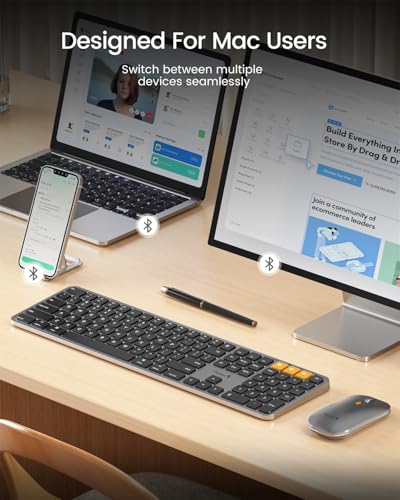
Bluetooth Keyboard for Mac: Full-Sized and Compatible with macOS
Experience the magic of a full-size Bluetooth keyboard and mouse designed to enhance your Mac experience. Compatible with Mac OS 10.12 or later, this keyboard works seamlessly with MacBook, MacBook Pro, MacBook Air, Mac Pro, or even iPad and iPhone, supporting Bluetooth 5.1 or higher. Note: The KM100-A Keyboard is primarily designed for macOS and may not be fully compatible with Windows. Media and function keys may not work on Windows. Devices manufactured before 2013 or Mac OS versions lower than 10.12 are not compatible.
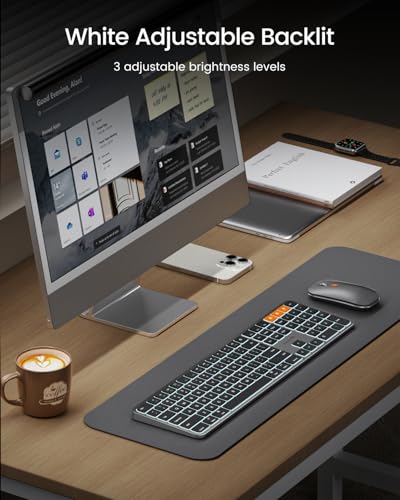
Backlit Illuminated Keys: This wireless keyboard features soft white LED backlighting with three adjustable brightness levels (low, mid, high). Perfect for using in dimly lit environments, the gentle illumination won’t strain your eyes. Easily customize the brightness to your preference.
Switch to Up to 3 Devices: Connect to three different devices simultaneously through triple Bluetooth channels. Switch between devices easily with the mode switch button. Note: Connection is made solely through Bluetooth; no USB dongle is included.
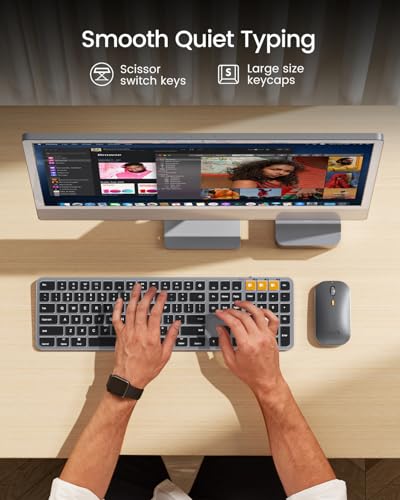
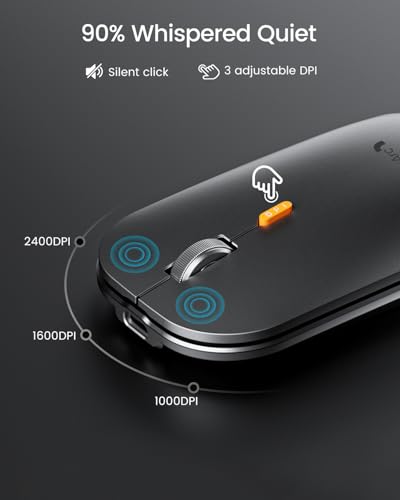
Responsive Keys and Quiet Typing: Experience efficient and quiet typing with a responsive scissor switch. The low-profile design and soft-touch keys offer a comfortable typing experience. The mouse offers three adjustable DPI levels (1000, 1600, 2400) for customizable sensitivity.
Rechargeable and Power Saving: The keyboard and mouse feature built-in rechargeable batteries—1200mAh for the keyboard and 300mAh for the mouse. If the keyboard isn't used for 60 minutes, it enters sleep mode. Press any key to awaken it. Backlighting needs to be turned on again.
Flat Keyboard Design: Designed to be flat for a neutral wrist position. Hold your wrists level with your fingers for a comfortable typing experience. This design minimizes the risk of discomfort and potential issues like carpal tunnel syndrome.
Notice: Utilize a full-size keyboard and mouse to enhance your work efficiency on Mac. However, keep in mind that they may require more desk space compared to compact options.


